
Tiny apps. Real data. Embed anywhere.
Build an interactive HTML/CSS/JS page — or a multi-page, SEO-indexable site on your own domain — in the dashboard. Give it sheets, assets and reusable components, wire its buttons to platform actions or a full workflow, and add a Server tab of backend code when you need real logic behind it. Then drop it on your site as an iframe or share the public URL. No build step. No deploy. No glue code.
leads
· 218 rows
#
score
status
247
jane@…
92
qualified
248
sam@…
54
new
249
rita@…
88
qualified
HTML on the left. Sheets on the right. Both live.
Add a button to the HTML, bind it to a platform tool action (Slack post, Stripe customer create, anything in your toolkit), wire inputs from sheet rows or form fields, hit Run.
leads
· 218 rows
#
score
status
247
jane@…
92
qualified
248
sam@…
54
new
249
rita@…
88
qualified
A real app surface, not a config blob.
HTML / CSS / JS
Full code editor. Hot-reload sandbox. Author the surface exactly the way you want it — not a no-code mock that breaks the first time you need a custom layout.
Attach a Database — Data Sheets
Link a Database from Data Sheets and its sheets live right next to the code. Read from `flowfn.data.sheets.<name>`, write back from the visitor, or expose a sheet publicly. CSV import, a query API, and row-actions come from the Data Sheets feature; rows persist, revisions roll back, and a deleted row isn’t gone — restore it from Recently deleted.
Templates — data → HTML
Bind data straight into your markup: {{ any JS expression }}, <template ff-each> loops over sheets or arrays, ff-if conditionals. Sheet writes re-render automatically — lists and dashboards without a line of DOM code.
Assets + uploads
Drop images, fonts, CSVs, JSON, fonts straight into the playground. Reference them by URL. Toggle visitor uploads on and visitors can attach files that land in the playground's S3 bucket.
Action bindings
Bind any element with `data-key` to a single platform-tool / AI action — without writing a workflow. Inputs come from sheet rows, form fields, or templated literals. One JS call, one structured action.
AI behavior + chat
Describe what you want in plain English; the AI proposes HTML/CSS/JS or fills the next chunk. A built-in chat panel debugs your code against the live sandbox.
Public + embed + password
Pick a slug for a public URL or generate an embed snippet. Optional password gate. Allowed-domains list controls who can iframe it. Custom domain on Pro+.
Multi-page sites + SEO
Turn a playground into a multi-page site on your own subdomain or custom domain. Each page gets its own URL and server-rendered SEO — title, meta, sitemap, robots — so search engines can index it. Don’t want to write it? Ask the AI to draft your titles, descriptions, and keywords. The apex /p/ form stays noindex.
Reusable components
Define a block of HTML/CSS/JS once and drop it into any page with <component name="…" />. Static and dynamic props fill {{ placeholders }}. Build a nav, a card, or a footer once; reuse it across every page.
A button. A `data-key`. A real action.
Every interactive element in a playground can carry a data-key attribute. In the editor you bind that key to one platform action (or AI model call) plus an input template. When the visitor clicks, the runtime resolves the inputs, validates them server-side, and dispatches the action — synchronously or asynchronously, your choice.
Need a full multi-step pipeline? Bind the button to a workflow trigger instead. Same `data-key` interface; different backend. The visitor doesn't know or care which you picked.
leads
· 218 rows
#
score
status
247
jane@…
92
qualified
248
sam@…
54
new
249
rita@…
88
qualified
A button-to-workflow surface that ships in minutes.
The fastest path from "an internal tool would help" to "the team is using it" is a playground bound to a workflow. The playground is the UI; the workflow is the pipeline. Visitors interact, the workflow runs, results show up — no custom server to write, no front-end to deploy.
Push a workflow output back into a playground sheet and the next render reflects it automatically. Workflows write data, playgrounds show data; the data lives in one shared place.
New form submission
Contact form · 12 today
Classify intent
gpt-4o-mini · returns category
Slack · Post to #sales
Routes pricing leads to sales
The internal tool you keep meaning to build.
Ops admin pages
A page with a list, a search box, and buttons that resolve common tickets — refund this charge, archive that user, post a status update. Sales / CS get it without engineering tickets.
Customer-facing mini tools
Embed a quote builder, a config wizard, a usage explorer inside your product. Hand-rolled HTML, but the buttons hit your real backend through bindings — no extra API to write.
Public lead-gen apps
Interactive ROI calculator, a quiz that scores leads, a custom-domain landing with one button that triggers your sales workflow. Public slug + custom domain do the heavy lifting.
AI-generated micro-apps
Describe the tool. The AI drafts the HTML + the bindings + the workflow. You polish, save, share. Useful for one-off team utilities you don't want to formalize.
Plan-gated, with sensible defaults.
Free tier ships with 2 playgrounds + basic asset storage. Pro and Business unlock more playgrounds, multi-page sites + SEO, reusable components, server-side code, larger assets + uploads, AI behavior generation budget, custom domains, white-label embed, and longer data retention.
Build the tool you've been meaning to scope.
Open a playground, describe what you want, let the AI draft the HTML. Add a button. Bind it. Ship it as a public URL or embed it inside your product. Same afternoon.
A finished website, not a blank page
Ten ready-made sites for real businesses. Try the live demo, then swap in your details from a single block of settings — and publish on your own domain.
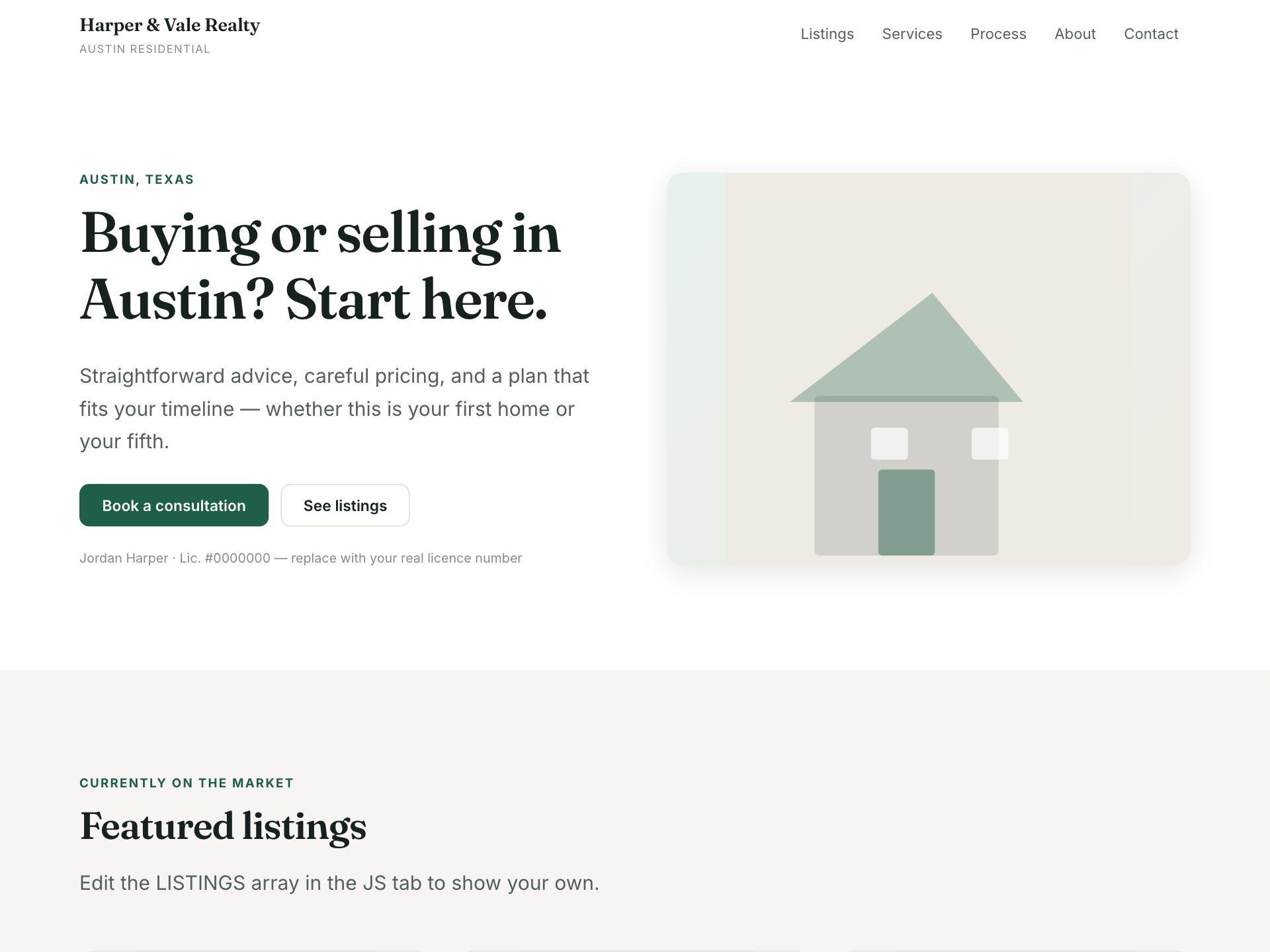
Real Estate Agent
Featured listings with beds, baths and price, a clear process, and an enquiry form.
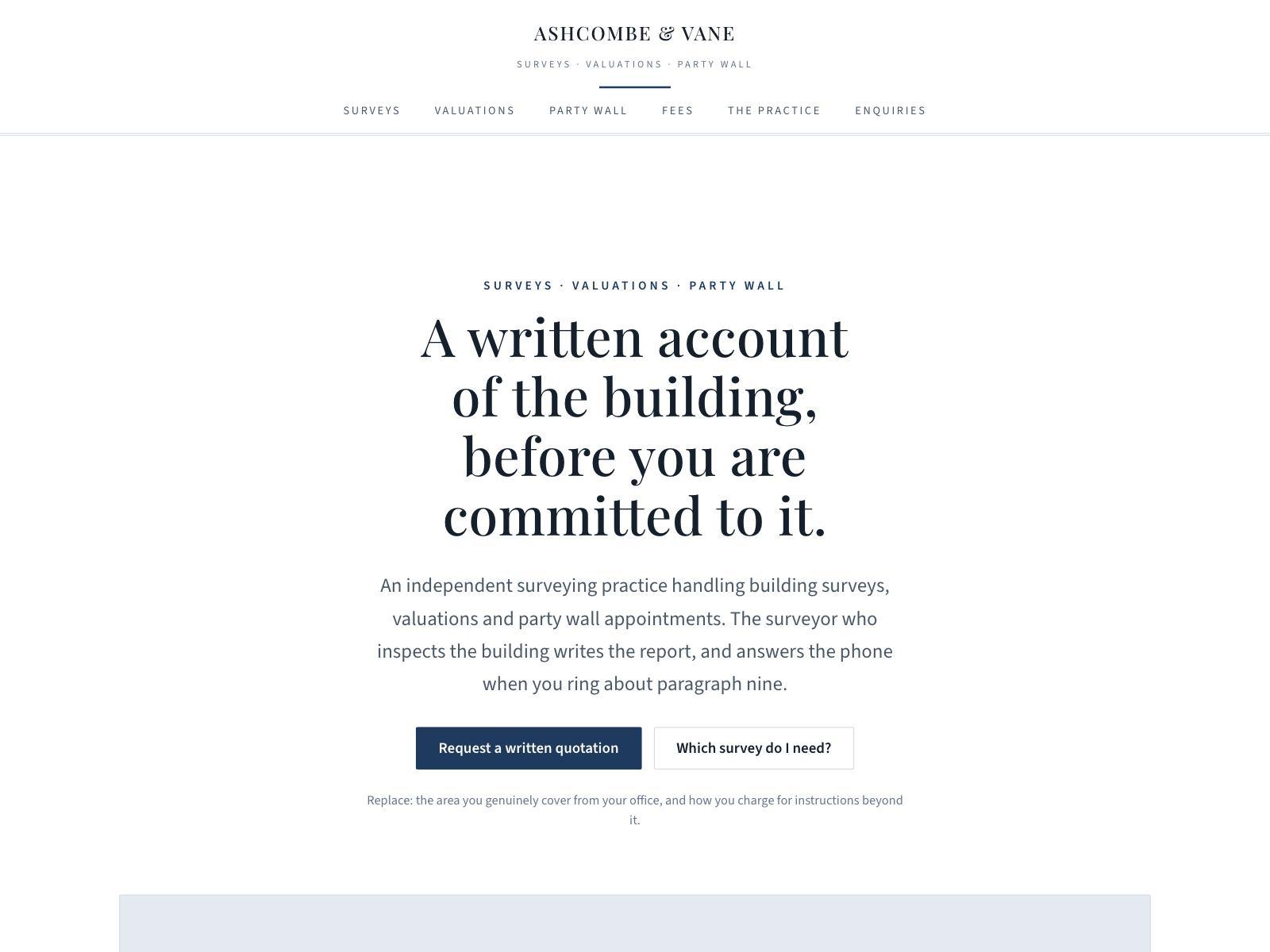
Chartered Surveyor
Survey types compared, party wall work, and a fees basis — formal and institutional.
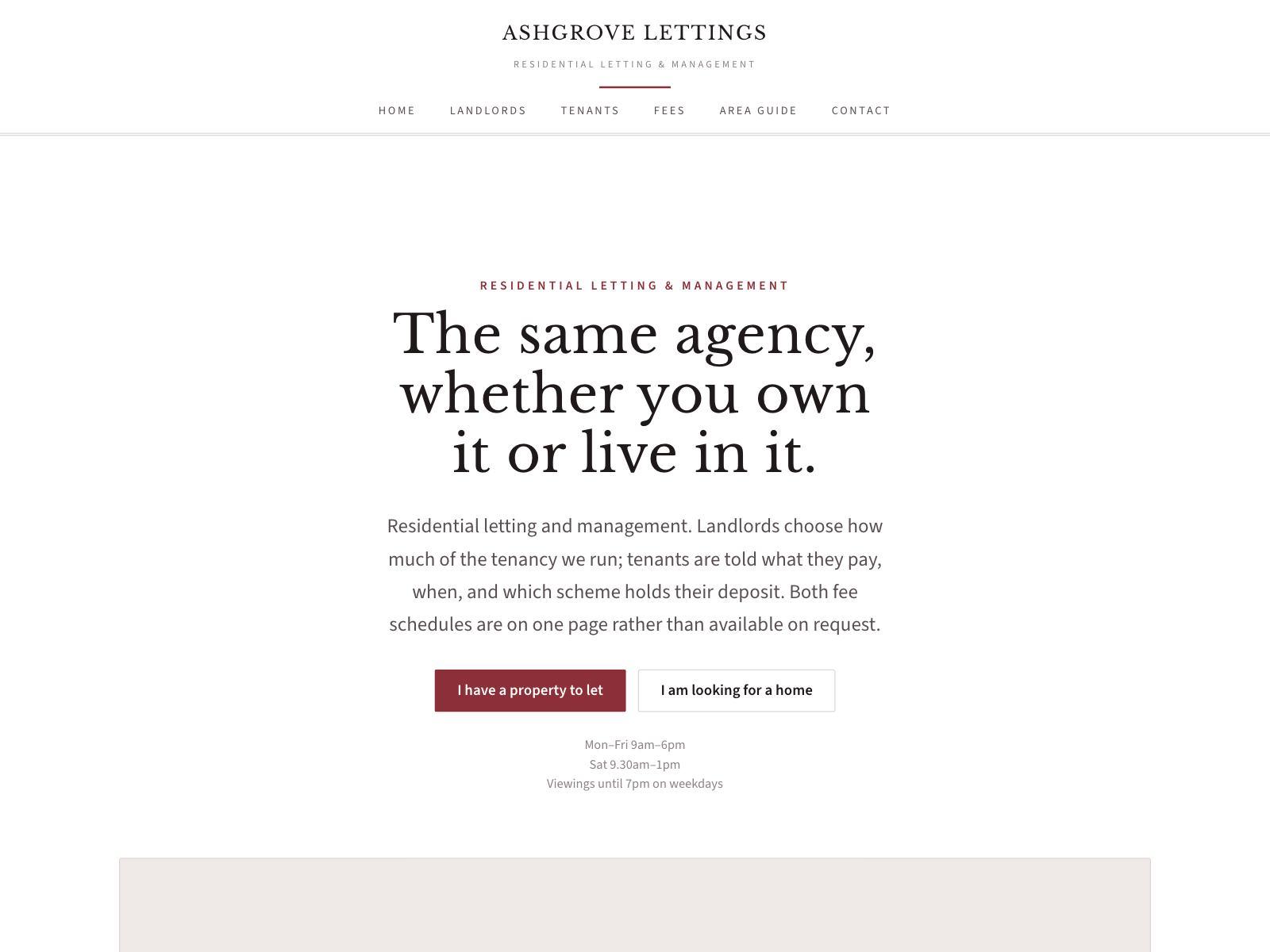
Letting Agent
Management levels for landlords, a complete fee schedule, and where deposits are protected.
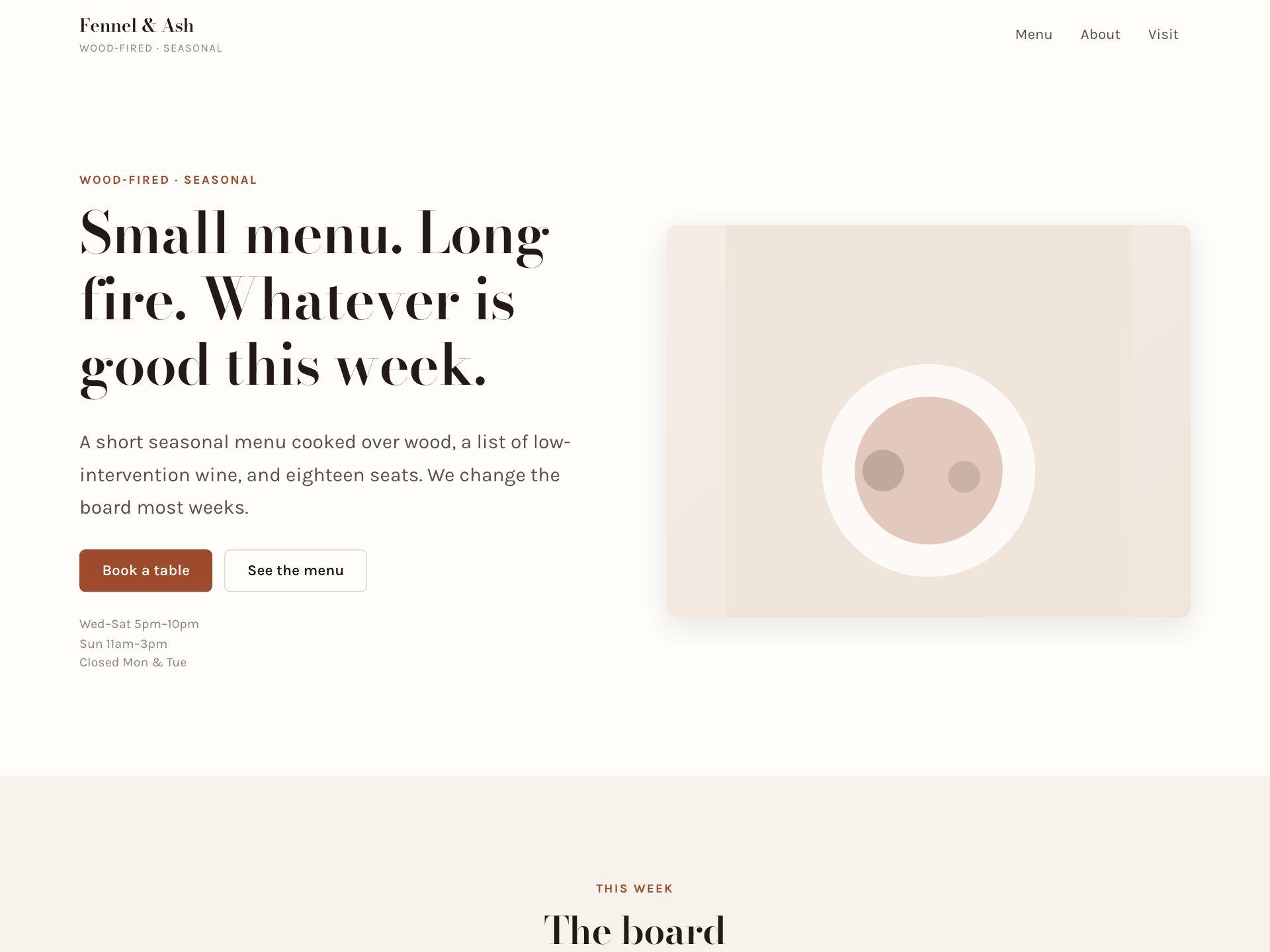
Restaurant & Café
A proper printed-menu layout with dot leaders, opening hours and table bookings.
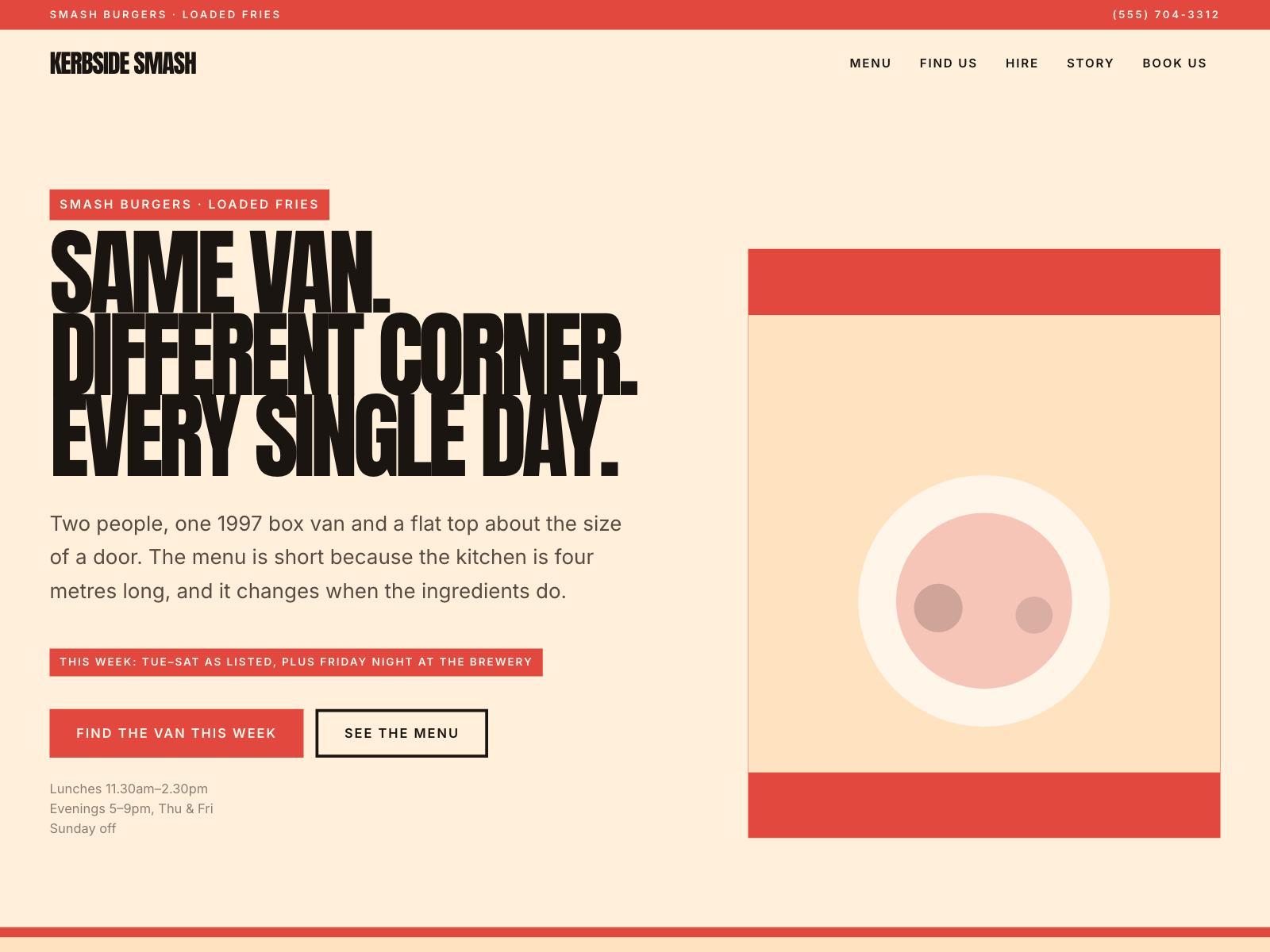
Food Truck
This week's pitch, a menu you edit like a board, and private hire.
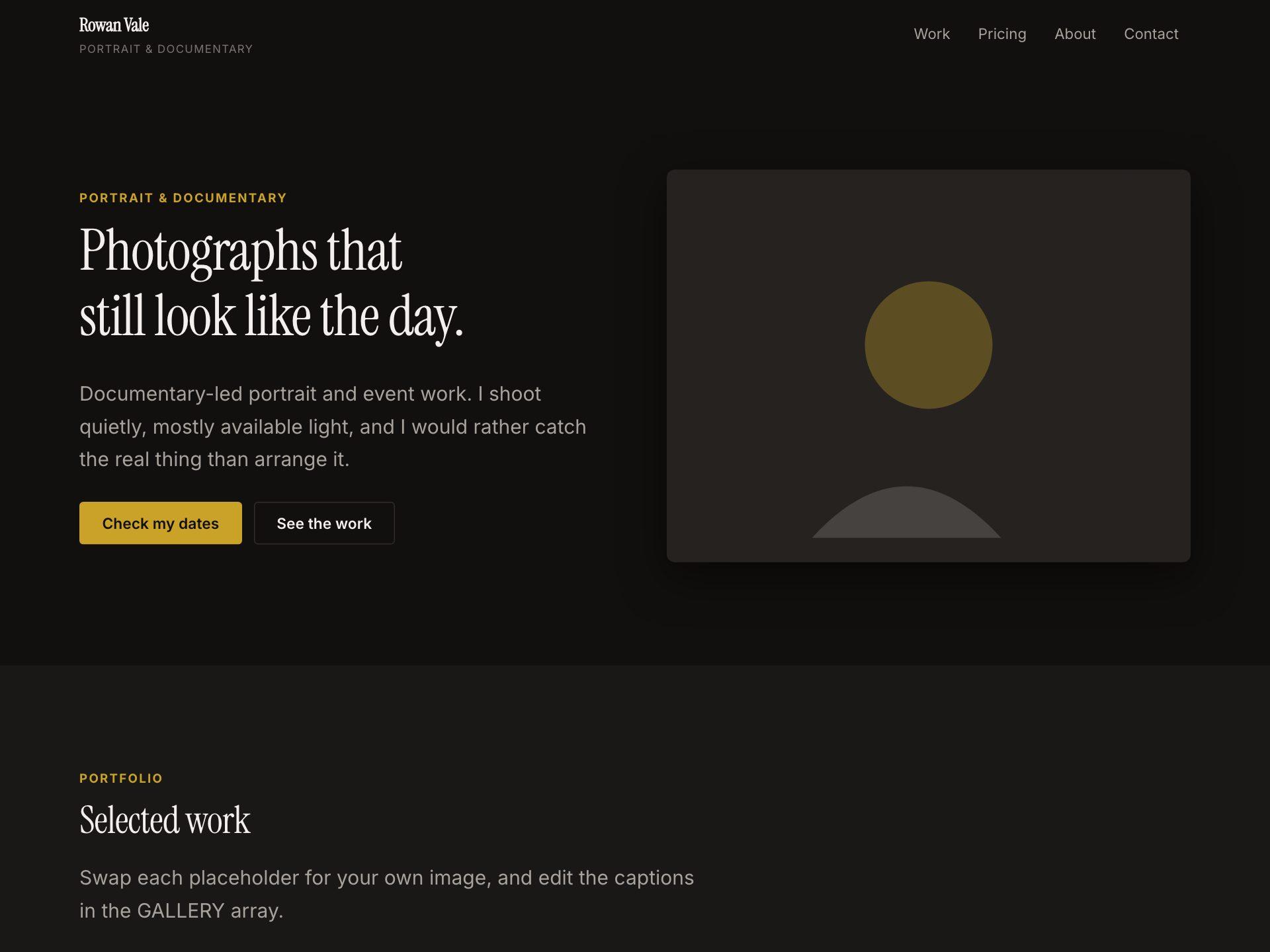
Photographer
A dark, image-led portfolio with captioned work, packages and clear pricing.
Real Estate Agent · Chartered Surveyor · Letting Agent · Restaurant & Café · Food Truck · Photographer · Designer Portfolio · Tattoo Studio · Recording Studio · Salon & Spa · Fitness Coach · Florist · Garden Centre · Climbing Gym · Law Firm · Independent Consultant · Financial Advisor · Accountant & Bookkeeper · Architecture Practice · IT Support · Coworking Space · Executive Coach · Recruitment Agency · Web Development Agency · Counsellor & Therapist · Veterinary Practice · Dental Practice · Physiotherapy Clinic · Plumber · Removals Company · Private Tutor · Language School · Wedding Venue · Bridal Boutique
We’re here to help you ship
Email sales for volume pricing and enterprise procurement, reach support for everything else, or drop us a message and we’ll get back to you.
Talk to sales
Volume pricing, security review, and enterprise procurement — email us and we’ll get back fast.
General inquiries
support@flowfn.com
Prefer not to open your mail client?